How to Ask for a Virtual Coffee Chat That Gets a Yes
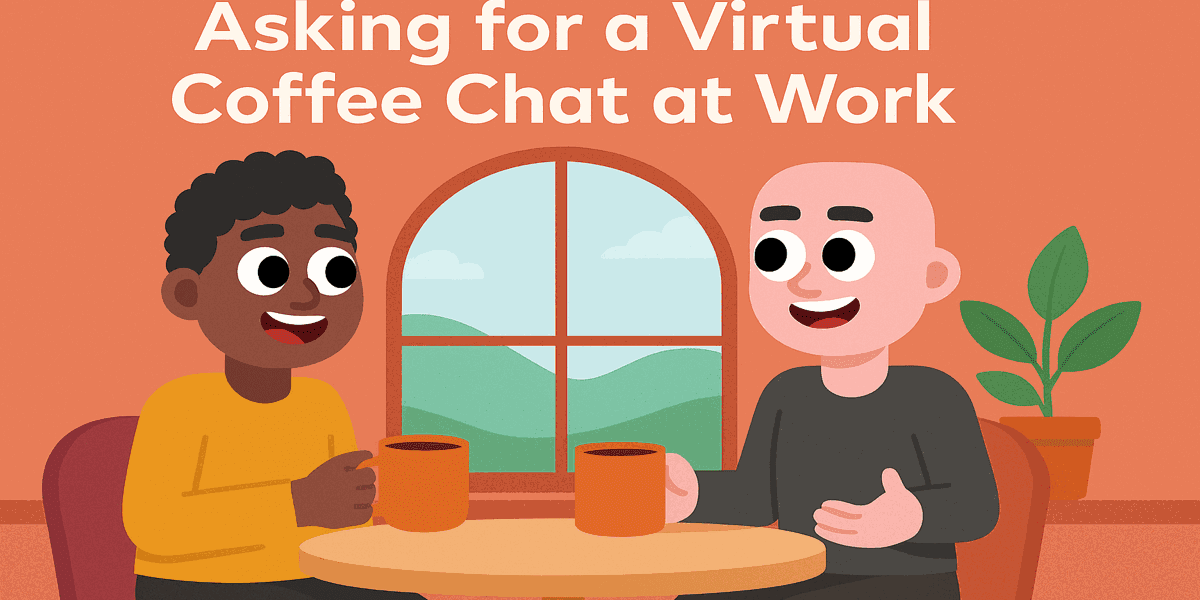
A virtual coffee chat works best when your message feels personal, specific, and easy to answer. If you want someone to say yes to a virtual coffee chat, you need to show why you picked them, what you want to learn, and how little time it will take. That matters even more when your team already gets too many vague networking requests.
The good news is that you do not need a perfect script. You just need a clear ask, a real reason for reaching out, and a simple next step. Below, you will find a practical way to write a request that sounds human, respects the other person’s time, and leads to better conversations.
Start with a reason that feels real
Most virtual coffee chat requests fail for one simple reason. They sound copied and sent to twenty people at once. You can avoid that by opening with one concrete reason you wanted to contact this person now.
Maybe they wrote something sharp about onboarding. Maybe they led a community launch you admire. Maybe a mutual colleague said they are great at helping people break into a new role. Pick one reason and say it plainly.
For example, instead of saying, “I would love to pick your brain,” say, “I liked your point about helping new hires find the right people fast, and I would love to hear how your team made that work.” That gives them context. It also shows you are interested in their experience, not just their job title.
If your team is building stronger connection habits internally, this is the same principle behind a good virtual coffee chat program. Relevance always beats randomness.
Make the ask easy to answer
The best virtual coffee chat request is short. It tells the other person who you are, why you reached out, and what kind of conversation you want. It also makes the time commitment feel manageable.
Keep your request to a few sentences. Mention a specific topic you want to discuss. Then suggest a short time window, like 15 or 20 minutes. That sounds respectful because it is.
Here is a simple structure you can use:
- One sentence on who you are
- One sentence on why you picked them
- One sentence on what you want to learn
- One sentence with a short time ask
It can be as simple as this: “Hi Maya, I lead employee experience programs for a growing team. I liked your recent post on mentoring across distributed teams. Would you be open to a 20 minute virtual coffee chat next week? I would love to learn how you keep those introductions useful instead of performative.”
That is much easier to answer than a long note with a vague goal. It also gives the other person a fair reason to reply, even if they need to suggest a different time.
Help the conversation go somewhere useful
A good request gets the meeting. A good plan makes the meeting worth having. Before your virtual coffee chat, write down two or three questions you actually care about. Skip anything you could have learned from their LinkedIn profile in thirty seconds.
Ask about decisions, tradeoffs, and real moments. “What changed your mind?” is usually better than “What do you do?” If you are speaking with someone about employee connection or team culture, ask where their current process breaks down. Ask what they wish new managers understood earlier.
You should also make it easy to continue the relationship after the call. Send a short thank-you note. Mention one thing you learned. If it makes sense, share a relevant resource, like LEAD.bot’s guide to employee engagement methods that actually work. Small follow-through matters more than polished networking language.
What to avoid in your message
A few habits lower your chances fast. Do not send a paragraph with no clear ask. Do not flatter so much that the message feels fake. Do not ask for “just a quick chat” and then leave the timing open-ended. And do not make the conversation about everything at once.
It also helps to avoid jargon. A virtual coffee chat is a simple human interaction. Write like one person asking another person for a short conversation. The more natural your message sounds, the more likely it is to get a real response.
Better conversations start before the meeting
If you want better networking outcomes, focus less on sounding impressive and more on making the other person’s decision easy. A strong virtual coffee chat request is clear, specific, and considerate. It tells the truth about why you reached out and gives the conversation a useful shape before it starts.
That same principle applies inside your company too. The best introductions are not random calendar fills. They connect people around context, timing, and shared purpose. That is where LEAD.bot helps teams move beyond generic matchups and create conversations people actually want to have.