




To learn more or request a demo, feel free to contact us.
Automated Birthday and Work Anniversary Celebrations for Slack and Teams
Never miss a birthday or work anniversary. LEAD.bot sends personalized celebration messages in your Slack channels or Teams, fully automated. Zero admin time after setup.
Fully automated
Slack and Teams
Opt-in/opt-out
How celebrations work
1
Set up your celebrations
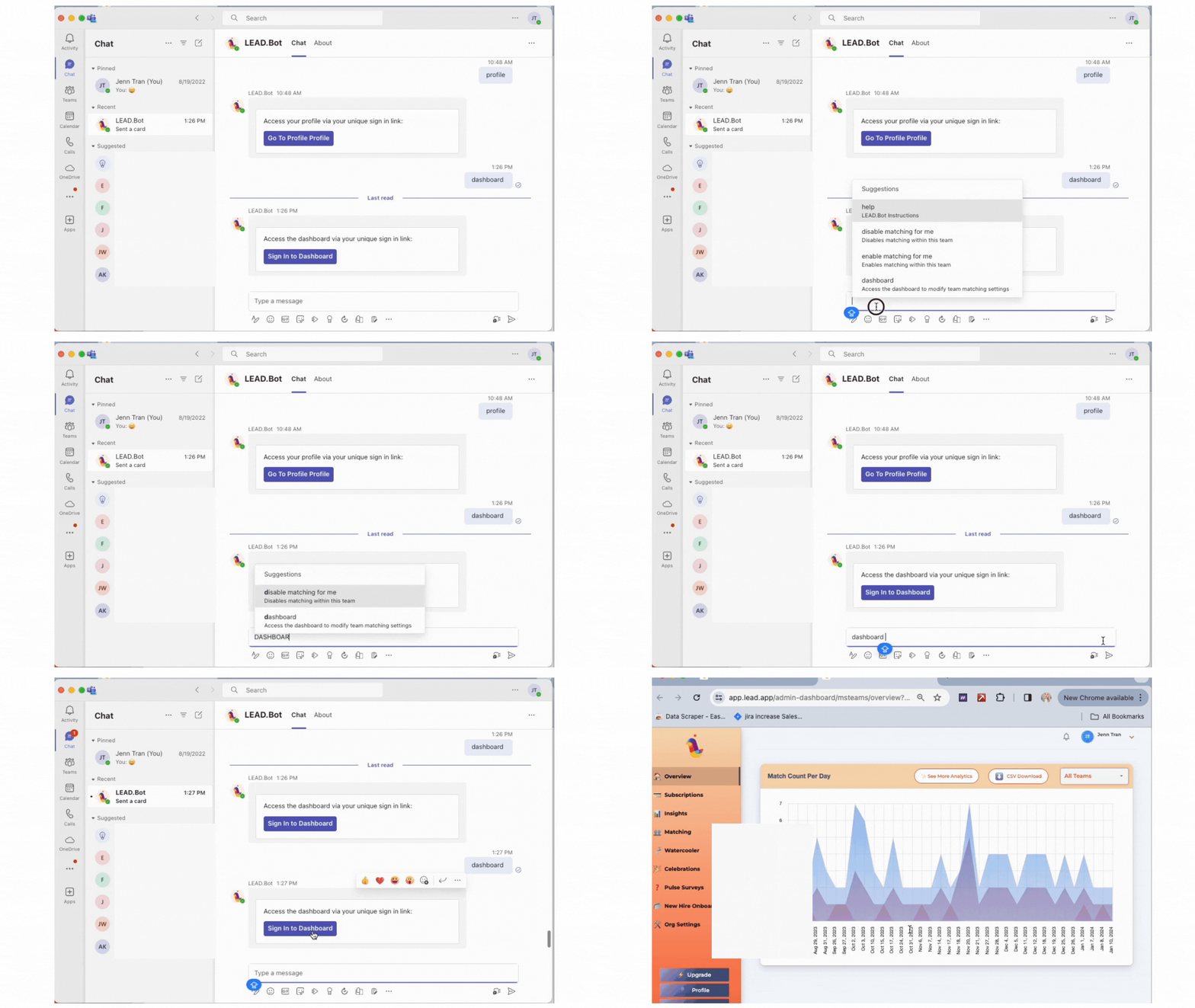
Click “New birthday celebrations” to start. Select the channels where you want messages posted. Download the CSV template, add your team’s birthdays, and upload.

2
Customize your message
Choose when messages go out. Personalize the celebration card with your own text, call to action phrases, or team activities. Preview before going live.

3
LEAD.bot celebrates automatically
On the scheduled date, LEAD.bot sends a personalized celebration card to the channel. Team members can react and wish their colleagues well.
Birthdays and work anniversaries
Celebrating birthdays
Celebrating birthdays boosts morale, fosters belonging, and shows appreciation. LEAD.bot automates the whole process so no one gets forgotten, even on large distributed teams.

Recognizing work anniversaries
Acknowledging tenure reinforces dedication and encourages continued growth. LEAD.bot tracks milestones and sends celebration cards automatically on the right date.

Employee controls
Opt out anytime
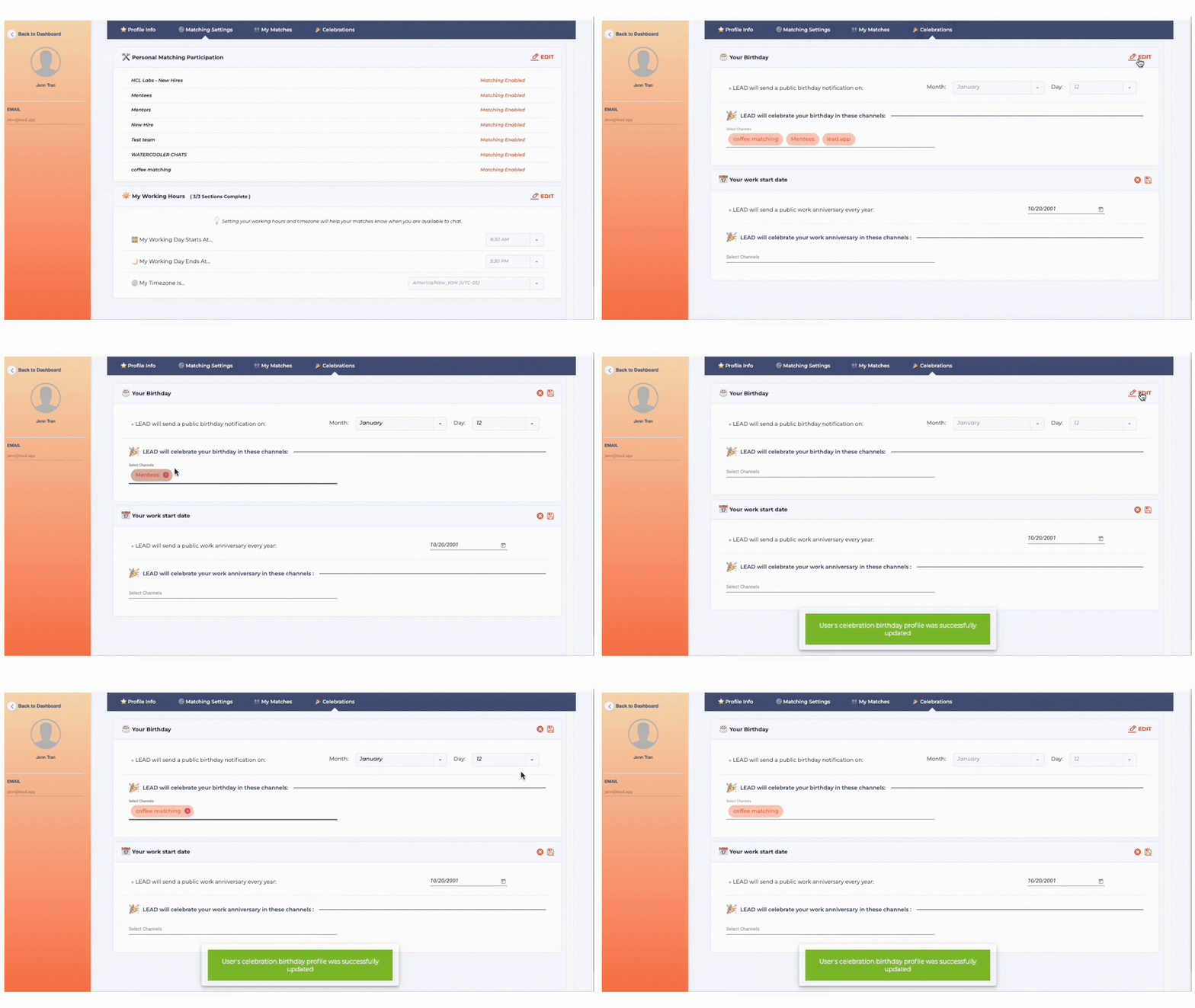
Team members can opt out of celebrations by changing the setting in their Profile page. No pressure, full control.
CSV upload or manual
Add birthdays via CSV template download and upload, or add them manually through the dashboard. Update anytime.
Custom messages per channel
Different channels can have different celebration styles. Keep it casual for #watercooler, professional for #all-hands.
More than just celebrations
LEAD.bot helps teams connect across your entire employee lifecycle, from onboarding to mentorship to everyday collaboration.
Employee matching and coffee chats
Build cross team relationships through automated introductions and virtual coffee chats.
Mentorship and peer learning
Run structured mentorship and peer learning programs that scale with your organization.
New hire onboarding
Pair new hires with onboarding buddies and automate check-ins during the first 90 days.
Frequently asked questions
How do I set up birthday celebrations?
Install LEAD.bot in your Slack workspace or Teams environment, then navigate to the Celebrations section. Click “New birthday celebrations,” select the channels where you want messages posted, download the CSV template, fill in your team’s birthdays, and upload. The whole process takes about five minutes.
Can employees opt out of celebrations?
Yes. Any team member can opt out of birthday or work anniversary celebrations at any time from their Profile page. Their preference is respected immediately and no further celebration messages will be sent for them until they choose to opt back in.
Does it work with Microsoft Teams?
Yes. LEAD.bot has full native support for Microsoft Teams, including birthday celebrations, work anniversary messages, custom celebration cards, and all the same features available on Slack.
Does LEAD.bot read my messages?
No. LEAD observes collaboration patterns: who connects with whom and how often. It never reads message content, emails, or private conversations.
Add celebrations to your team in 2 minutes
Install LEAD.bot, pick a channel, and your team’s birthdays and work anniversaries are covered. No credit card required.